Wednesday, 2 June 2021

Manaiakalani Toolkits Term 2 2021 - Simplifying testing with Google Forms

Kia ora everyone,

It was great to be able to lead a Toolkit this afternoon on the topic of using Google Forms to create self-marking tests. This idea was birthed out of me getting fed up with the hours of marking of tests done on paper, such as the Schonell Spelling test, Maths basic facts, etc. I thought to myself that there has to be a more simple way of getting assessments done, without the hours of time spent marking, So, I did some Googling and watching of YouTube tutorials, and realised that I could solve my problem using Google Forms. I tried it with my class during mid-year testing last year, and it was a success! 

In terms of how Forms can help in this situation, the 'Quiz mode' feature of Forms is the key here - setting an answer key for each question and appointing a point value for each question. This way, as soon as the student submits the Form, it is marked instantly and the data is then readily available for teachers to view and analyse.

Check out the Meet recording and the Slides below! 👇


Friday, 28 May 2021

Combined DFI with Auckland and Hamilton cohorts

We had a great combined session today with the Hamilton DFI cohort. Papakura Central School kindly hosted us, and we really enjoyed working in their fantastic auditorium space. It was also having Vicki Archer with us in person for the day - our cohorts had gotten used to seeing her on our screens, and so appreciated having her in the room with us for the day. 

For me, it was also great to connect with the crew from Whakawatea (one of our kura in Hamilton) who are also part of the Te Purapura Ngātahi o Manaiakalani online cluster that I am associated with through Ōtāhuhu and Roscommon schools which I work in. 

I was really happy to be able to support Susanne (tumuaki of Whakawatea) get a Form that she had created during today's session on to their school site to help with admin processes - this was a really practical solution for her and their kura, so to be able to support in this process was really satisfying. I also showed her how to import the responses from 3 different admin Forms all to the same Google Sheet to make the administrative process behind the scenes more simple for her and her admin staff.

Below you'll see a few photos from our day today. As part of the 'Levelling Up' section of the Data day, we break into groups to work on upskilling with Google Sheets. Sheets and Forms are a particular area of passion for me, and so I had the pleasure of working with those in the group who consider themselves proficient in this area. I showed the group some cool ways to use features such as conditional formatting, drop down boxes, check boxes and a range of different formulas for different purposes. A handy way I discovered I could work through content with a group like this in the same room was by using Google Meet in a tactical way. I got the group to join a Meet with their camera and mic turned off, whilst also having their device muted from the desktop (meaning there'd be no interference from the room). I then was able to share my screen and have the participants observe what I was demonstrating, all by them looking at their own screens. This is definitely a tool I'll keep in mind for next time we are in a face to face environment where this type of demonstration is necessary. 

Something I am finding interesting at this point in the DFI process is the fact that I am now at the point where I am unfamiliar what the later weeks of DFI look like in a Face to Face setting. Having been a participant in 2020, just as Covid hit, our group had to continue the process online. This was a great experience, but it meant that I never got the chance to see what the F2F experience looks like past week 3. Since then, I have also been part of 2 Online cohorts as a coach - it's safe to say that my default has been set to online! That said, I am loving the "authentic learning" of fumbling and stumbling my way through facilitating the DFI each Friday in person. Our cohort is full of life, with a wide range of educators - from 1st year PCTs to Principals. It's great to have such a wide variety of experience and knowledge across the group. Check out some of the shots from today - courtesy of Dorothy Burt.

Ngā mihi
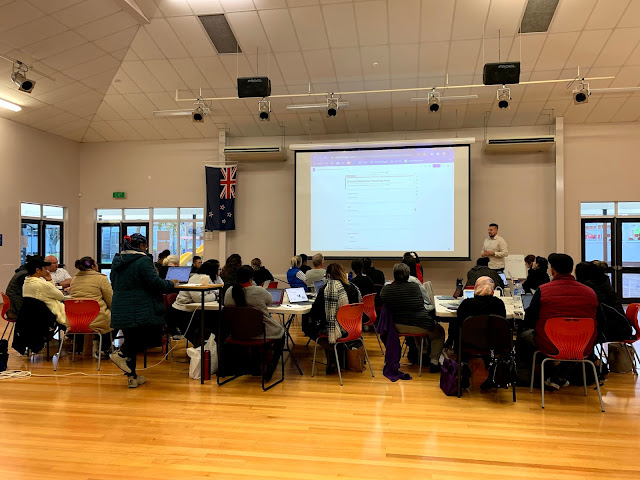
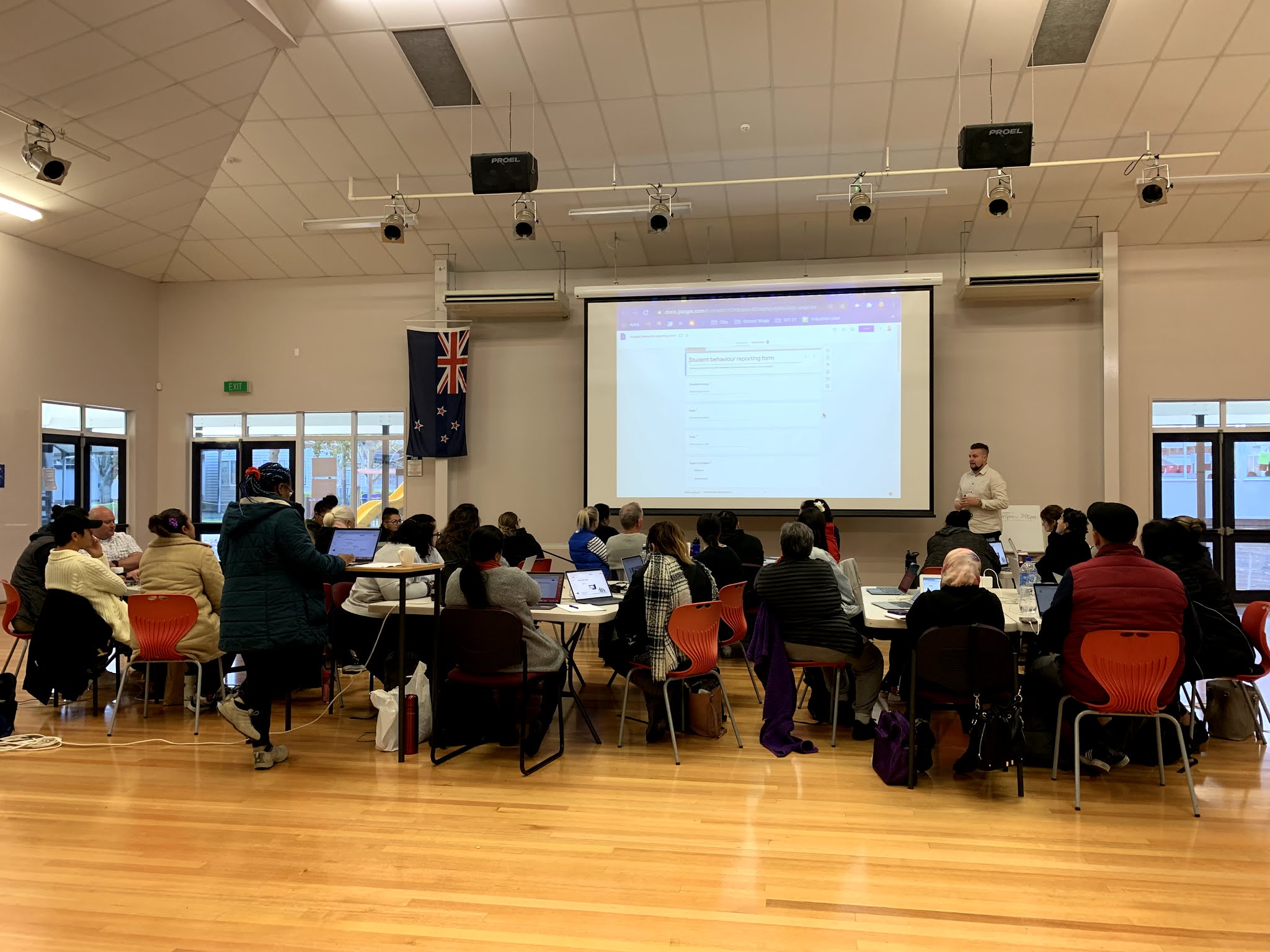
Presenting the Forms 'Chalk n' Talk' session to the whole group


Sheets 'Levelling Up' section

Sheets 'Levelling Up' section

Sheets 'Levelling Up' section


Tuesday, 25 May 2021

Updated 'Smart Learners: Posting to a Blog'

Kia ora koutou, 

I was happy to be asked recently by Fiona Grant to update the 'Smart Learners: Posting to a Blog' graphic, originally put together in 2013. This original graphic has served me and my learners well over the years, and has been a fantastic resource to point students towards in supporting them with their blogging. No doubt, many of you will have used this with your students in the past, too.

As you'll see below, the blog post itself is the same. That said, you will notice that the layout of Blogger has changed quite a bit over the years.

Look out for the new graphic on the Manaiakalani Cybersmart site soon!

Original graphic - created in 2013

Updated graphic - 2021 version

Thursday, 20 May 2021

Google for Eduction Certified Trainer!

Kia ora everyone, 

I am pleased to announce that I have heard back from Google for Education to confirm that I have been selected to become a Google for Education Certified Trainer. I am really proud to have been awarded this accreditation, and I look forward to being able to further support educators and learners with this new accreditation. 

Below are my new credentials;


Monday, 17 May 2021

A new chapter with Manaiakalani!

Kia Ora Koutou, 

The start of the new term has seen the start of a new job for me. Having finished up at Wesley Intermediate at the end of last term, I have begun my role with Manaiakalani as a PLD Facilitator. At the moment, my week is made up of 3 days in a mixture of schools from the Tamaki and South Auckland clusters, as well as 2 days of DFI - 1 online and 1 in person. Every day is different, and I am loving the chance to get a different perspective of the awesome learning, creating and sharing that is happening in our kura across the wider Manaiakalani outreach. 

Check out some of the photos of my first two weeks below👇

More updates to come!

Taking a Cybersmart lesson at Glen Taylor School 
Matt Goodwin using Explain Everything at Tamaki Primary
'Learn Create Share' staff meeting at Ōtāhuhu Primary
Dorothy Burt talking about Docs on Day 1 of our Auckland Face to Face DFI cohort
Matt Goodwin at the junior bilingual unit at Tamaki Primary
Dorothy during the Connecting with Manaiakalani session W2 Auckland F2F DFI
Talking 'Taming our Tabs' on DFI W2

Monday, 12 April 2021

Self-marking Google Form - Schonell Spelling test 1

Kia Ora koutou, 

I had a few people asking me to share the link to the self-marking Schonell Spelling test Google Form which I had created, following the DFI session in which I referenced it. 

The link is attached below. It'll prompt you to make a copy of the Form and then you can go from there. All you'll need to do is connect it to a Sheet in the responses section. Also, as you'll see, it's only test 1. So if you want to duplicate for tests 2, 3 and 4, you'll need to do that for yourselves. I have also started inserting audio files using the extension 'Talk and Comment' but this isn't completed as yet. If you want to finish this, you can use this YouTube video tutorial. Here is the link to the test Form or on the screenshot below


If you have any questions, feel free to email me at: jeremy.ferguson@manaiakalani.org

Thursday, 18 March 2021

CyberSmart in action - exclusive behind the scenes!

Kia ora everyone!

This week's Cybersmart content in Room 4 has been a bit different... a behind the scenes look at Room 4 students recording their video tours of our class site using ScreenCastify. As you'll see from the video, our class are a bit crazy but that's just the way we like it 😜

Enjoy!

Monday, 1 February 2021

Google Sheet for e-asTTle Writing data - formulas and conditional formatting

Kia ora koutou, 

To assist with managing your e-asTTle writing test data, I have put together a Sheet with formulas and conditional formatting. Either use the drop down boxes or type the 'R' values into each cell (B-H) and it will give you a total (cell I) and a writing level (cell J). Row 36 also gives you a break down of how many of your learners are at each curriculum level, based on their results on their test. 

Hopefully you find this resource helpful!

Have a look for yourself by exploring the embedded window of the Sheet below and feel free to make a copy of the Sheet using this link. Also, if you have any questions, feel free to email me - jeremy.ferguson@manaiakalani.org

Friday, 10 July 2020

Hāpara Champion Educator!

Kia ora everyone,

I am happy to announce that I have received my recognition for completing the Hāpara Champion Certification Program earlier this month! I am really looking forward to putting into practice the skills that I have learnt during this course.

Below is the link to the Hāpara Workspace that I created as part of the final assignment. I based it on the e-asTTle Writing test, as this was a need that I was facing in my school at the time. I am happy for teachers to make a copy of it and use it in their schools.

Ngā mihi  


Click on the screenshot above to check out the Workspace and make a copy of it for yourself