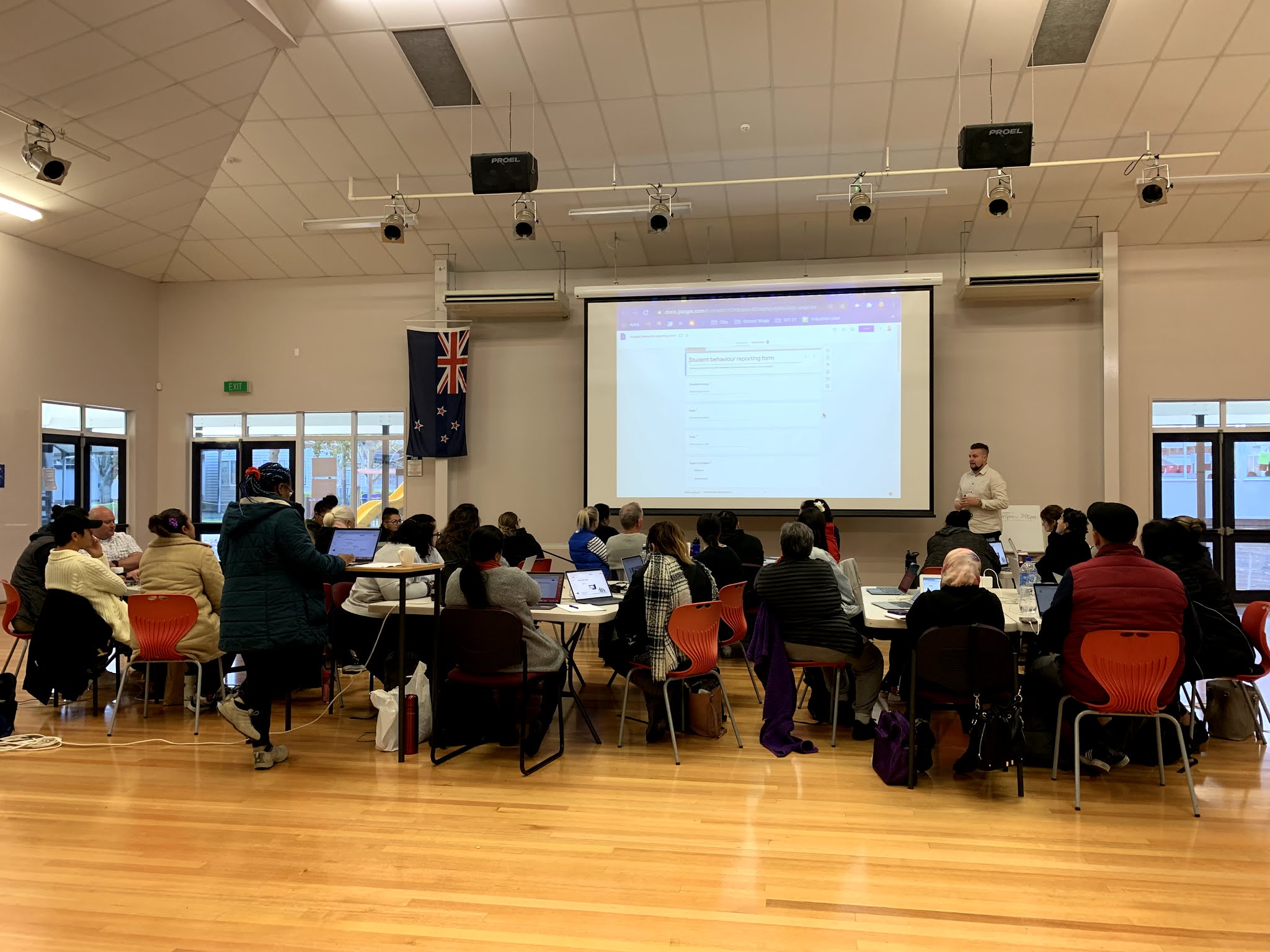
We had a great combined session today with the Hamilton DFI cohort. Papakura Central School kindly hosted us, and we really enjoyed working in their fantastic auditorium space. It was also having Vicki Archer with us in person for the day - our cohorts had gotten used to seeing her on our screens, and so appreciated having her in the room with us for the day.
For me, it was also great to connect with the crew from Whakawatea (one of our kura in Hamilton) who are also part of the Te Purapura Ngātahi o Manaiakalani online cluster that I am associated with through Ōtāhuhu and Roscommon schools which I work in.
I was really happy to be able to support Susanne (tumuaki of Whakawatea) get a Form that she had created during today's session on to their school site to help with admin processes - this was a really practical solution for her and their kura, so to be able to support in this process was really satisfying. I also showed her how to import the responses from 3 different admin Forms all to the same Google Sheet to make the administrative process behind the scenes more simple for her and her admin staff.
Below you'll see a few photos from our day today. As part of the 'Levelling Up' section of the Data day, we break into groups to work on upskilling with Google Sheets. Sheets and Forms are a particular area of passion for me, and so I had the pleasure of working with those in the group who consider themselves proficient in this area. I showed the group some cool ways to use features such as conditional formatting, drop down boxes, check boxes and a range of different formulas for different purposes. A handy way I discovered I could work through content with a group like this in the same room was by using Google Meet in a tactical way. I got the group to join a Meet with their camera and mic turned off, whilst also having their device muted from the desktop (meaning there'd be no interference from the room). I then was able to share my screen and have the participants observe what I was demonstrating, all by them looking at their own screens. This is definitely a tool I'll keep in mind for next time we are in a face to face environment where this type of demonstration is necessary.
Something I am finding interesting at this point in the DFI process is the fact that I am now at the point where I am unfamiliar what the later weeks of DFI look like in a Face to Face setting. Having been a participant in 2020, just as Covid hit, our group had to continue the process online. This was a great experience, but it meant that I never got the chance to see what the F2F experience looks like past week 3. Since then, I have also been part of 2 Online cohorts as a coach - it's safe to say that my default has been set to online! That said, I am loving the "authentic learning" of fumbling and stumbling my way through facilitating the DFI each Friday in person. Our cohort is full of life, with a wide range of educators - from 1st year PCTs to Principals. It's great to have such a wide variety of experience and knowledge across the group. Check out some of the shots from today - courtesy of Dorothy Burt.
Ngā mihi
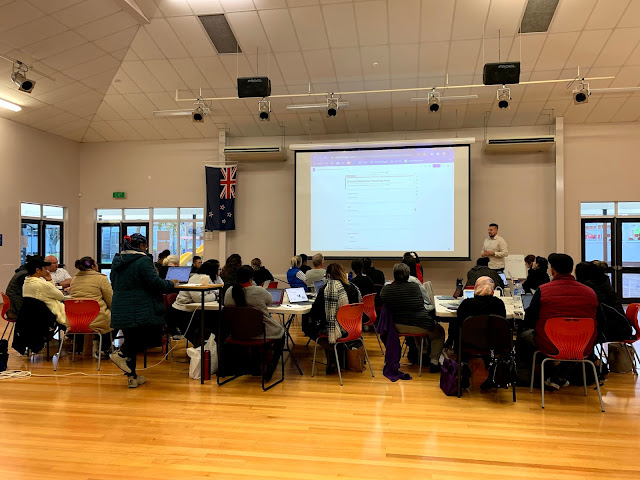 |
| Presenting the Forms 'Chalk n' Talk' session to the whole group |
 |
| Sheets 'Levelling Up' section |
 |
Sheets 'Levelling Up' section
|
 |
Sheets 'Levelling Up' section
|